

What it is
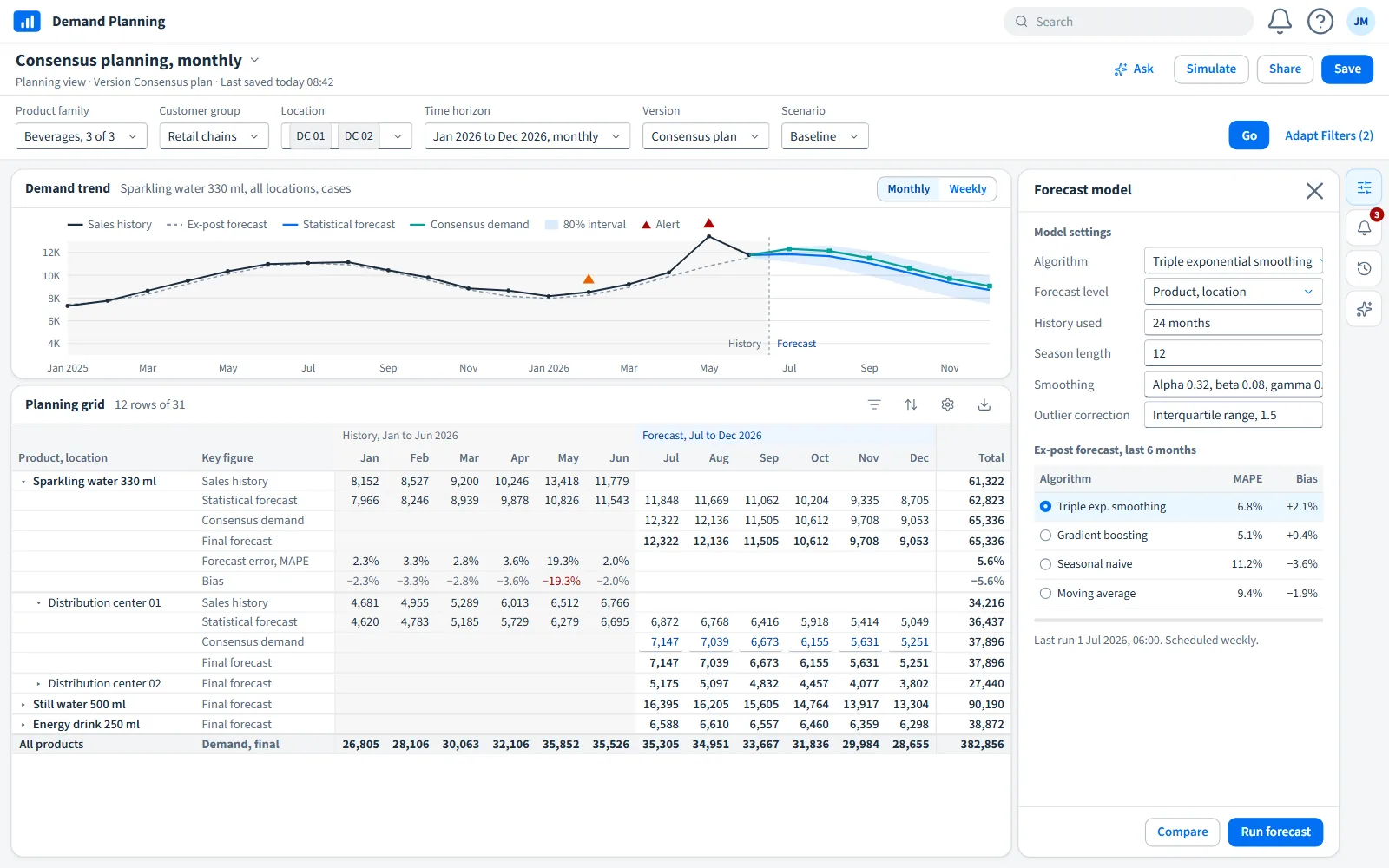
We build the internal tools a team works in every day: order tracking, budgeting, scheduling, inspections, approvals. The usual starting point is a spreadsheet or a set of shared files that has grown past what a file can do.
The aim is a tool that holds one copy of the data, gives each role the screen it needs, and records every change, in use within weeks.
When a spreadsheet stops being enough
The signs
Most internal tools start as a spreadsheet, and many should stay one. The time to replace it comes with a few recognisable signs: copies named final_v3 circulate by e-mail, a formula is overwritten and nobody notices for a month, two people edit the same file and one loses an afternoon of work, or a manager asks who changed a figure and nobody can say.
At that point the file is no longer a calculation. It has become a shared record that several people depend on, and a shared record needs things a spreadsheet does not give: one copy, rules about who may change what, and a history of every change.
We start from the data, not the screens
The first document we write is a short list of the things the tool keeps track of (a budget line, an order, a site visit), the fields each one has, who owns each field, and what may never change once it is approved. Screens are drawn afterwards, from that list.
This order matters because screens are cheap to change and data structures are not. A tool designed screen first tends to store the same fact in three places, and the three copies drift apart within a year. A tool designed from the data stores each fact once and shows it wherever it is needed.
Roles, approval and history
Every tool we build records who changed what and when, from the first release. Roles decide who can read, edit or approve each kind of record. Periods can be locked, so a closed month cannot be edited by accident, and reopening one is itself recorded.
These features are rarely asked for at the start of a project, and they are the ones people miss most when something goes wrong. Adding them later means rewriting much of the tool, so they come first.
Build, buy, or keep the spreadsheet
Sometimes the right answer is an existing product, configured well. When a package covers most of the need at a fair price, we say so in the scope and help set it up. We build when the work is specific enough that a package would force your team to change how it works for the worse.
We also write down what the tool will cost to keep: hosting, updates, and the hours a year it needs after launch. A tool that is cheap to build and expensive to keep is a poor trade, and the scope should show that before anything is built.
Example build
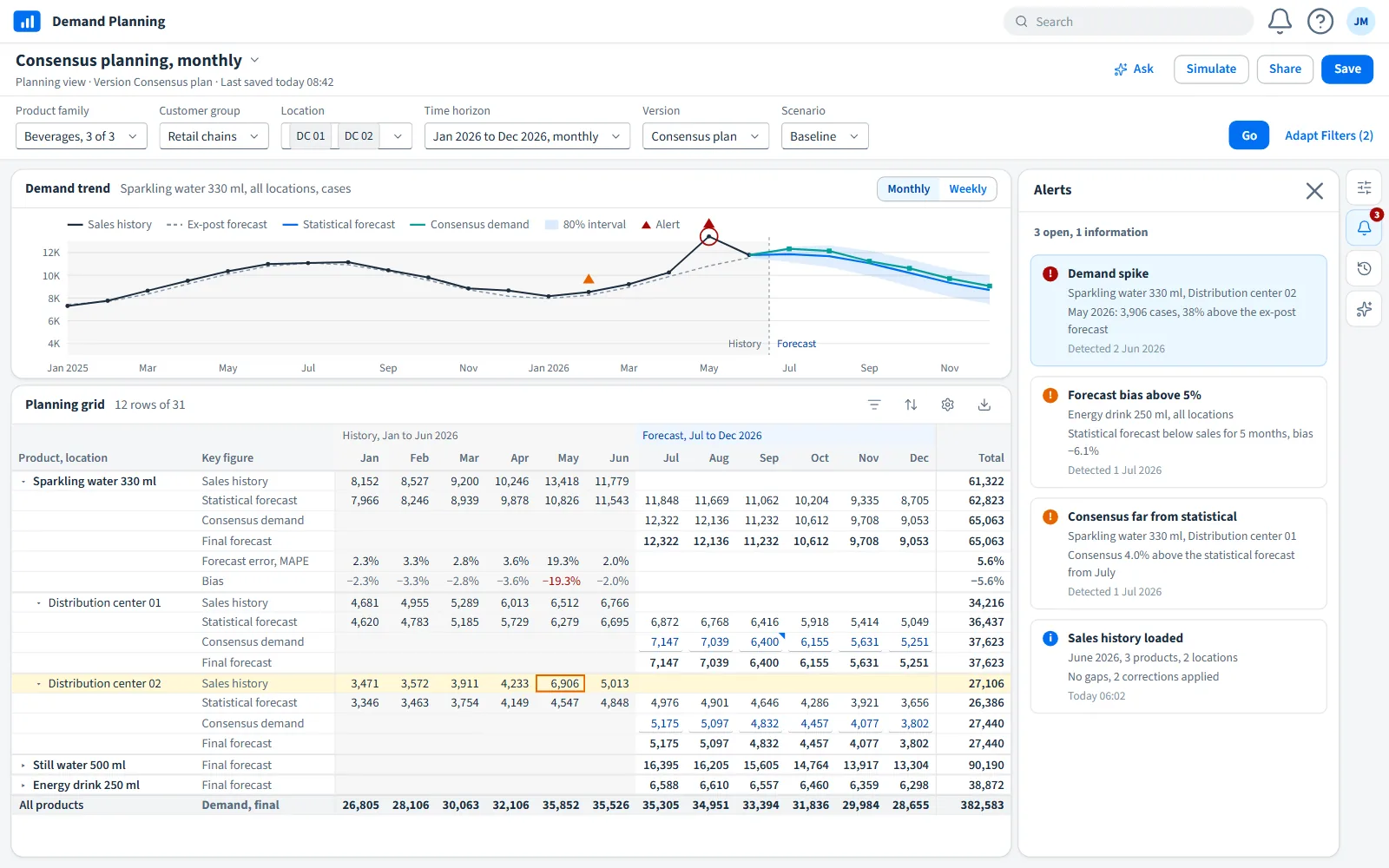
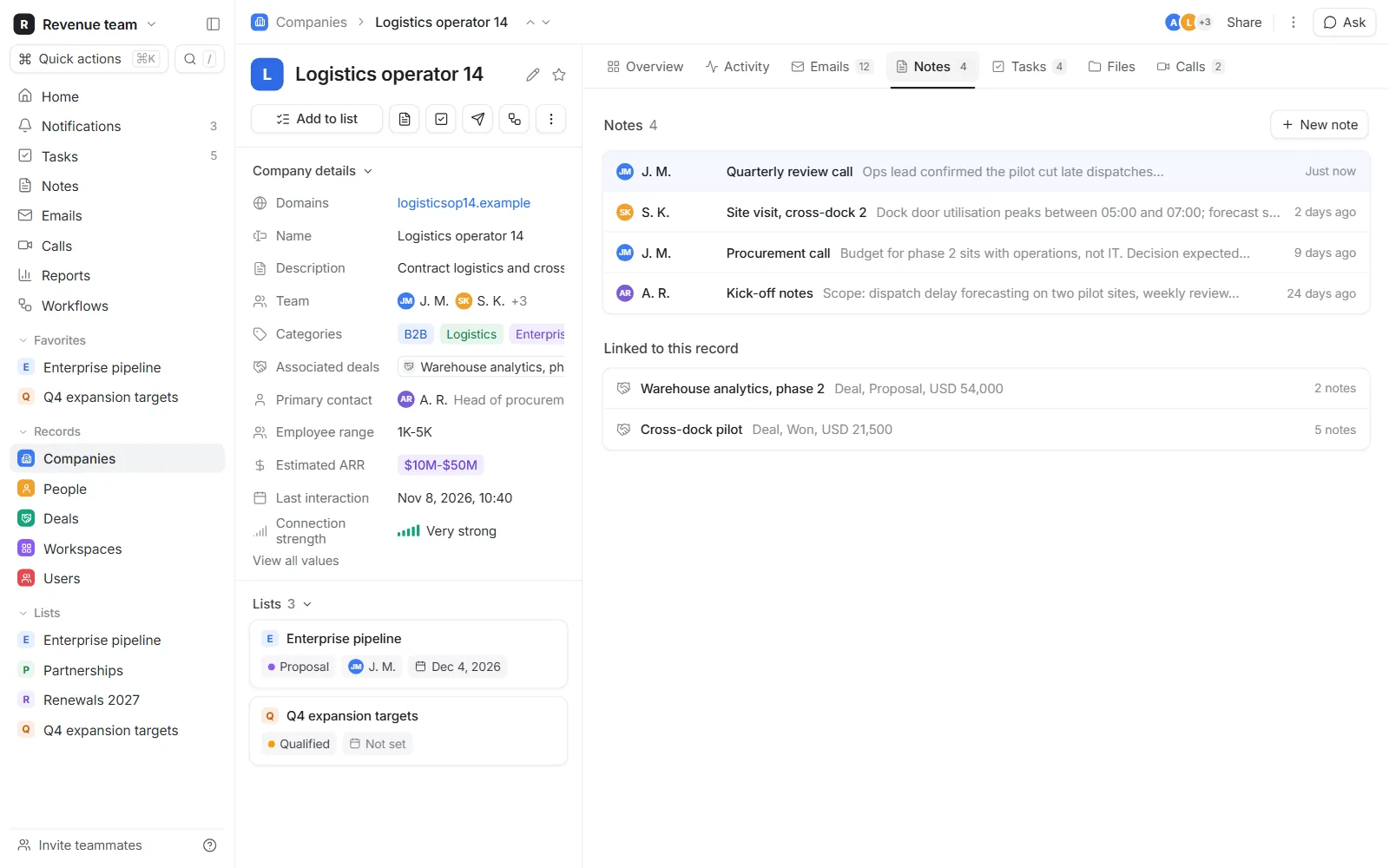
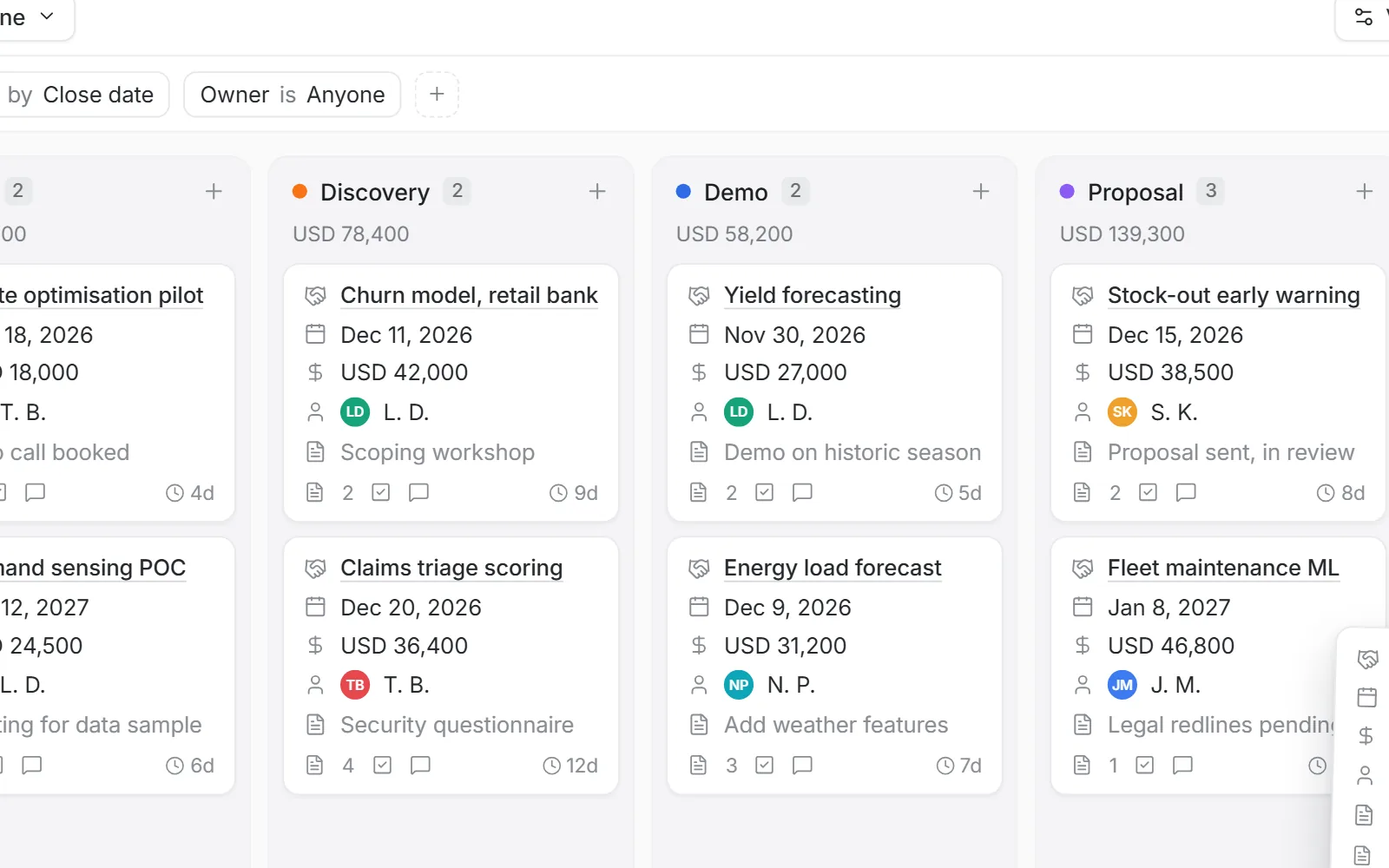
Demonstration builds made for our portfolio, running on generated data. No client data is shown.
What you receive
What a project of this kind typically hands over. The exact list is set in the written scope.
The source code and the data model
The repository is yours from day one, with the written list of records and who owns each field.
Roles and a change history
Each role sees and edits only what it should; every edit can be traced.
Your existing files brought in
The import is a script you can rerun, not a one-off copy.
What it costs to keep
Written in the scope before anything is built, so the tool is not cheap to build and expensive to own.
A short guide per role
Kept in the repository next to the code, updated with each release.
A recorded handover
People who join later watch it instead of asking.
How a project runs
Typical timings. Your scope sets the real ones.
Week 1
Read the current files
We read the spreadsheets and documents the team uses now and talk to the people who fill them in. You get a written scope: what the first release does and what waits.
Weeks 2 to 3
Data list and first screens
The list of records, fields and owners, then working screens filled with a sample of your own data.
Following weeks
Short cycles
A new version every week or two. Your team tests it on real cases and the next version fixes what they found.
Launch
Import and switch over
The import script brings the old files in, the users are invited, and the spreadsheet is frozen.
After launch
Run or hand over
We keep it running on a monthly plan, or hand the code and notes to your own team.
Have a project like this one? Tell us what you need in a few lines.
Send us the briefOther services
- Platforms, dashboards and client portalsMulti-user platforms where your clients, partners or staff log in and get their own view.
- Websites and web appsFast websites and web apps that work on every screen and in several languages.
- Data pipelines and CRMClean, connected data and a CRM your sales team actually keeps up to date.
- Machine learning and AIScoring, classification and text models, used only where they beat a simpler tool.
- Forecasting and statistical studiesForecasts of demand, load, prices or volumes, and studies that answer a precise question.