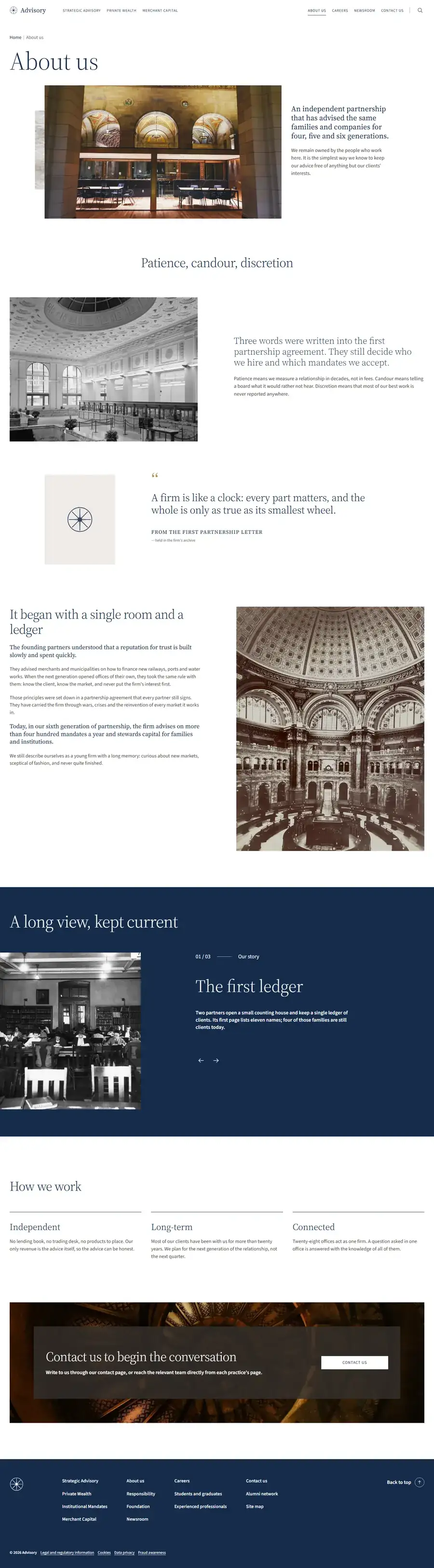
01
An advisory firm
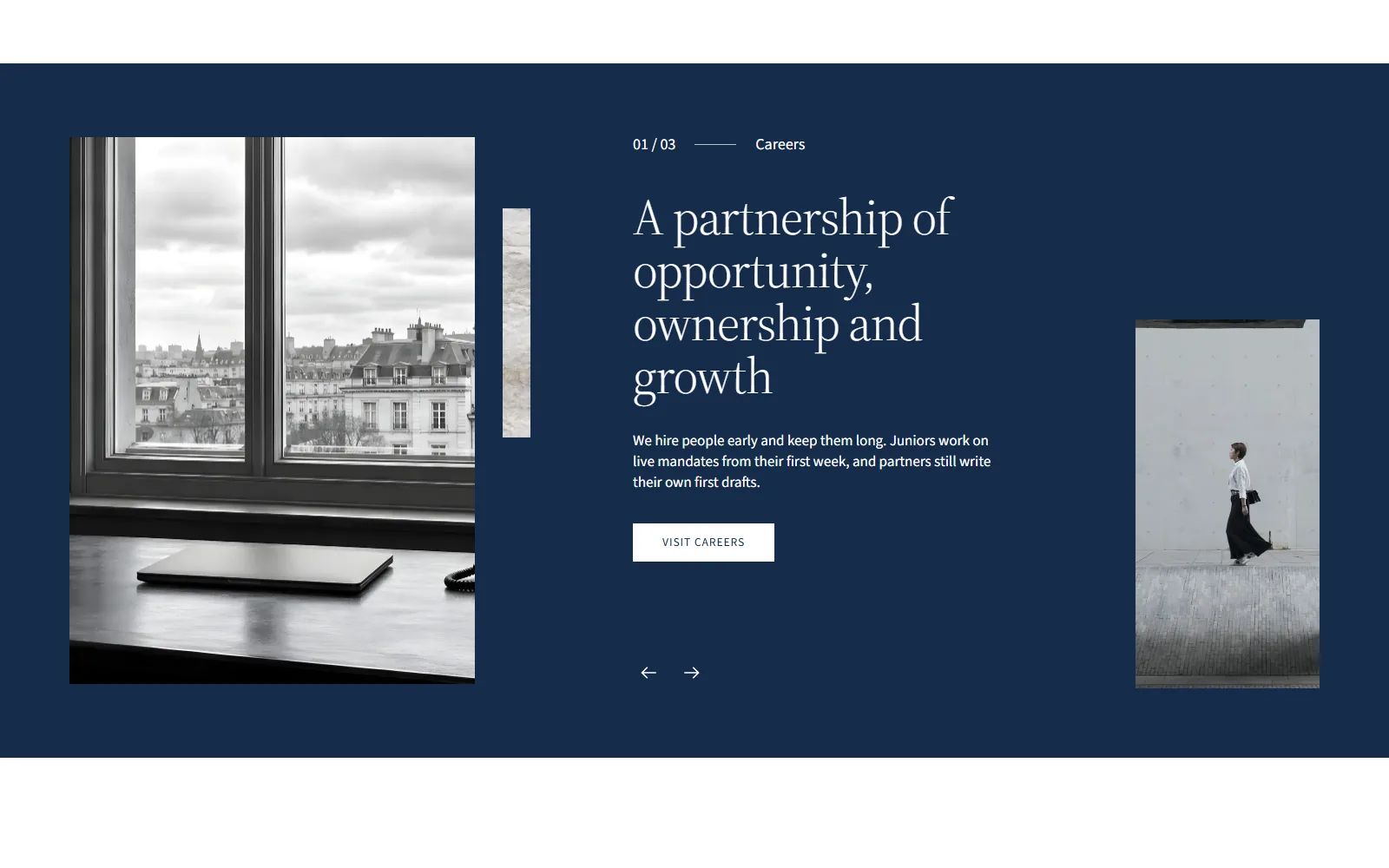
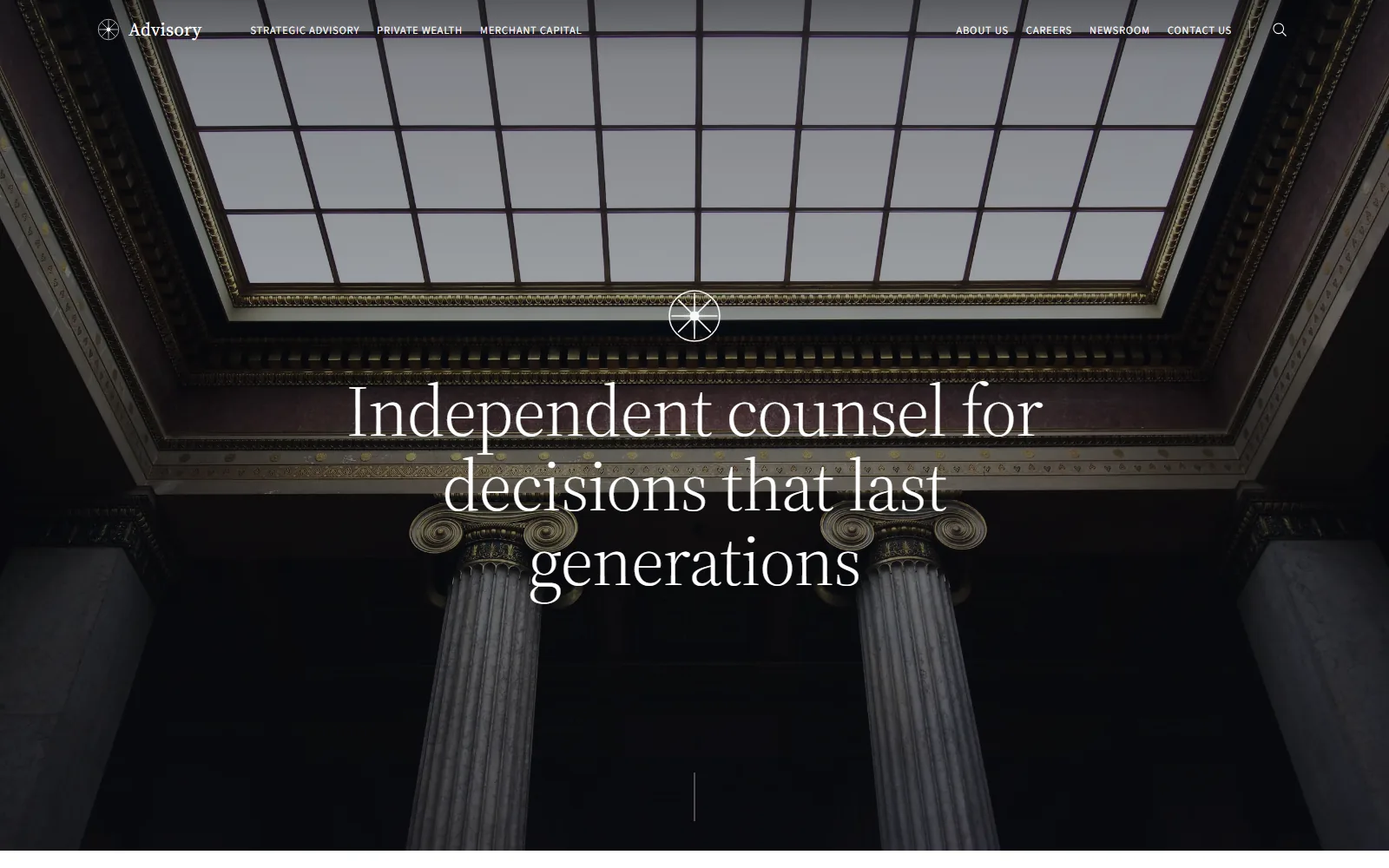
A quiet, editorial site for a financial advisory firm: practices, news, history and careers. Built to be read slowly and to look serious on a large screen.
Point at the page to scroll through it.
Open the site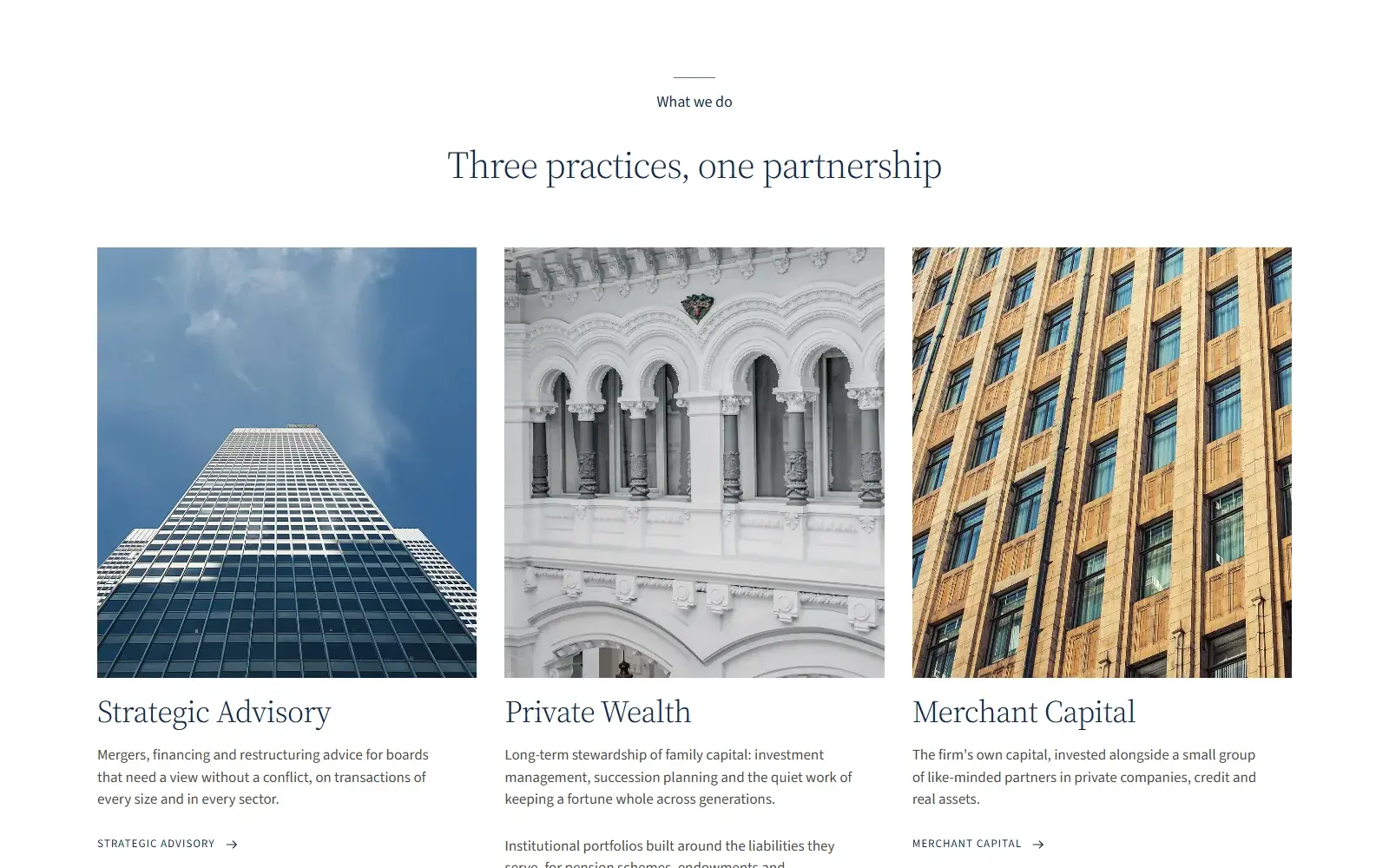

 Causal64
Send a brief
Fast websites and web apps that work on every screen and in several languages.
We design and build websites and web applications from scratch: institutional sites that must read well and look serious, product sites, and sites that are applications in their own right, such as a booking marketplace or a public data portal.
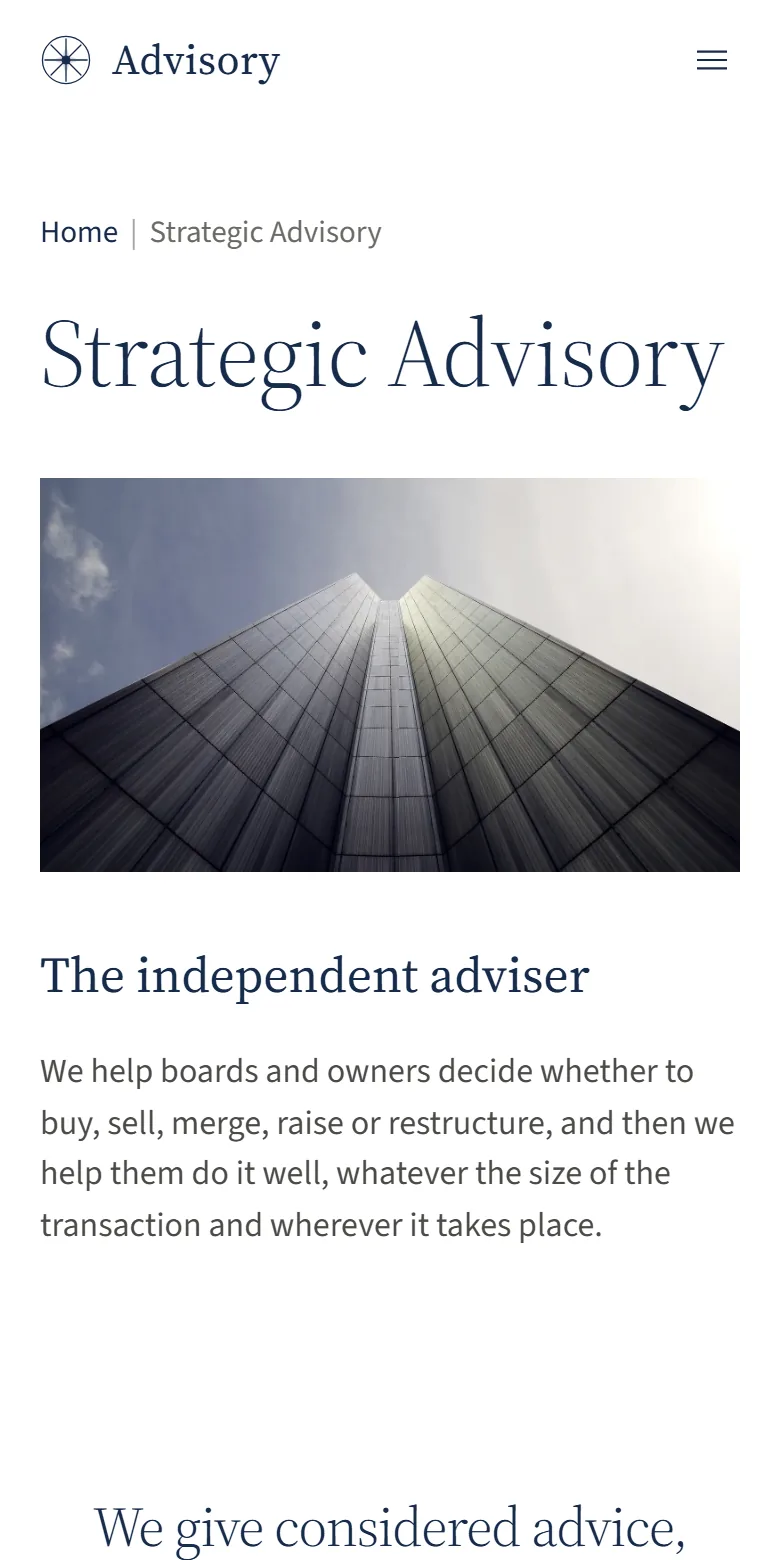
The three examples below were built for our portfolio, each in a different register and with its own typefaces and colours. They are live: open them on your phone and judge the speed yourself.
Most visitors arrive on a phone, often on a mid-range model and a weak connection. We set a weight budget per page before design starts: how many kilobytes of images, fonts and scripts a page may carry. Fonts and scripts are served from your own domain, images are sized for the screen that shows them, and nothing loads until it is needed.
Before launch we measure every page with the same tools search engines use, on a throttled phone profile, and fix what fails. You receive the measurements page by page.
Search engines and visitors both reward pages that answer one question well. We plan the site as a list of those questions, give each its own page and address, and write titles and descriptions that say plainly what the page contains. Structured data tells search engines who you are, where you are and what you offer. Each language gets its own address, linked to the others.
A site that only its developer can change goes stale. Depending on how often you publish, we set up a content editor your team can use without training, or a simpler setup where pages are plain files and every change is reviewed. Either way, adding a page or replacing a photo does not need us.
Pages work with a keyboard alone, text has enough contrast to be read in sunlight, and images carry descriptions for screen readers. Legal pages are written for your situation. When a site needs no tracking, we build it without any, so it needs no cookie banner at all; when it does, consent is asked before anything is stored.
The three examples below cover different needs: an advisory firm that must look serious and read well, a booking marketplace with search, listings, calendars and checkout, and a public data portal with a catalogue, an API and interactive maps. Each was built from scratch, without a template, and each has its own typefaces and colours.
Portfolio sites we designed and built. The content is placeholder; the code, layout and speed are real.
01
A quiet, editorial site for a financial advisory firm: practices, news, history and careers. Built to be read slowly and to look serious on a large screen.
Point at the page to scroll through it.
Open the site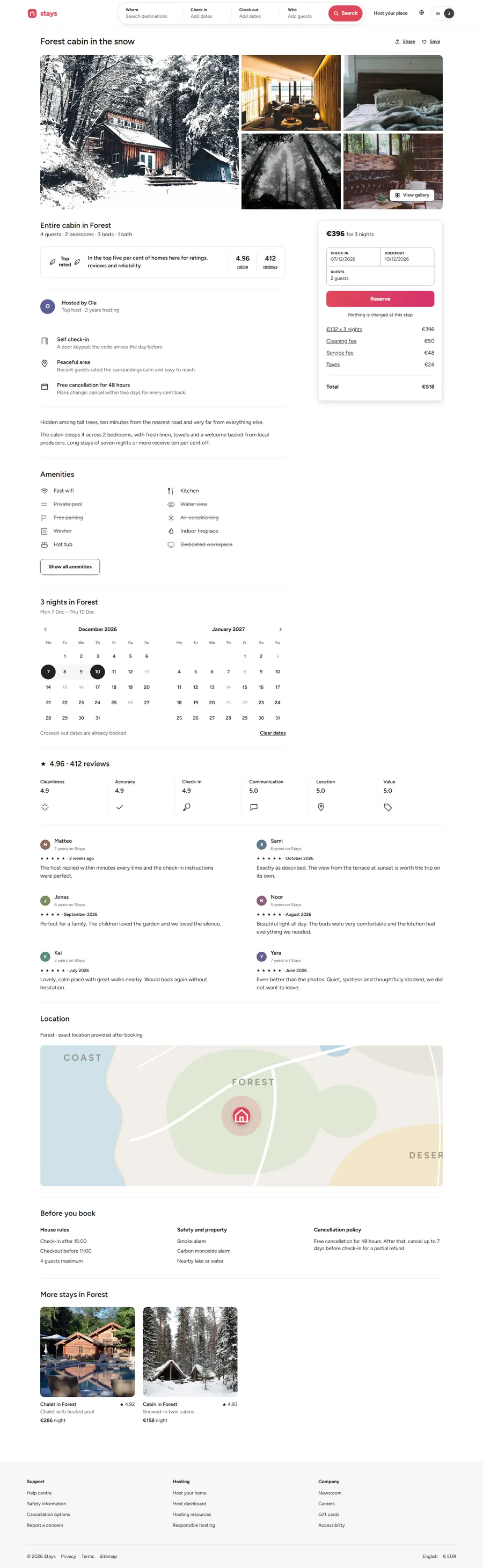
02
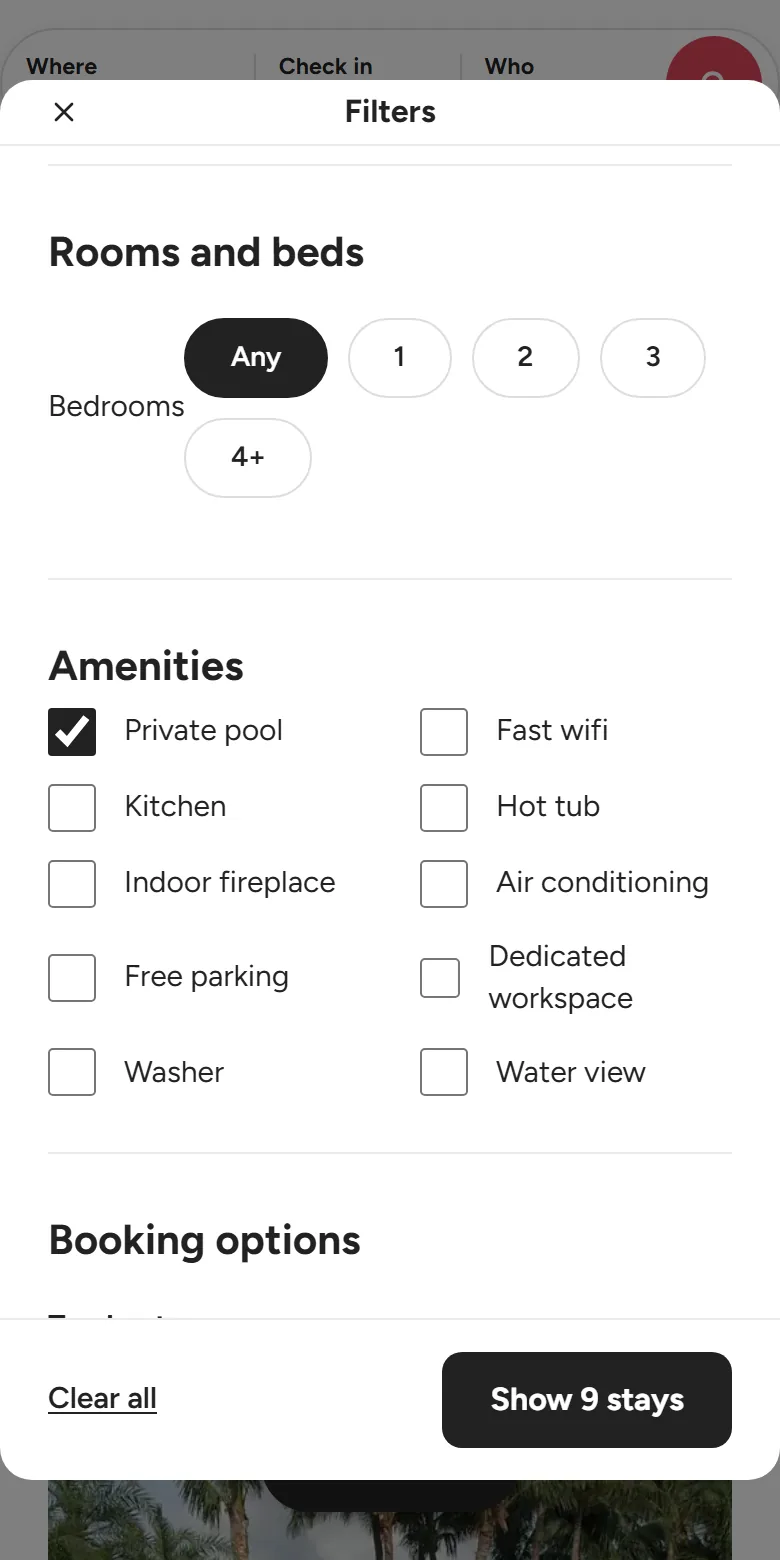
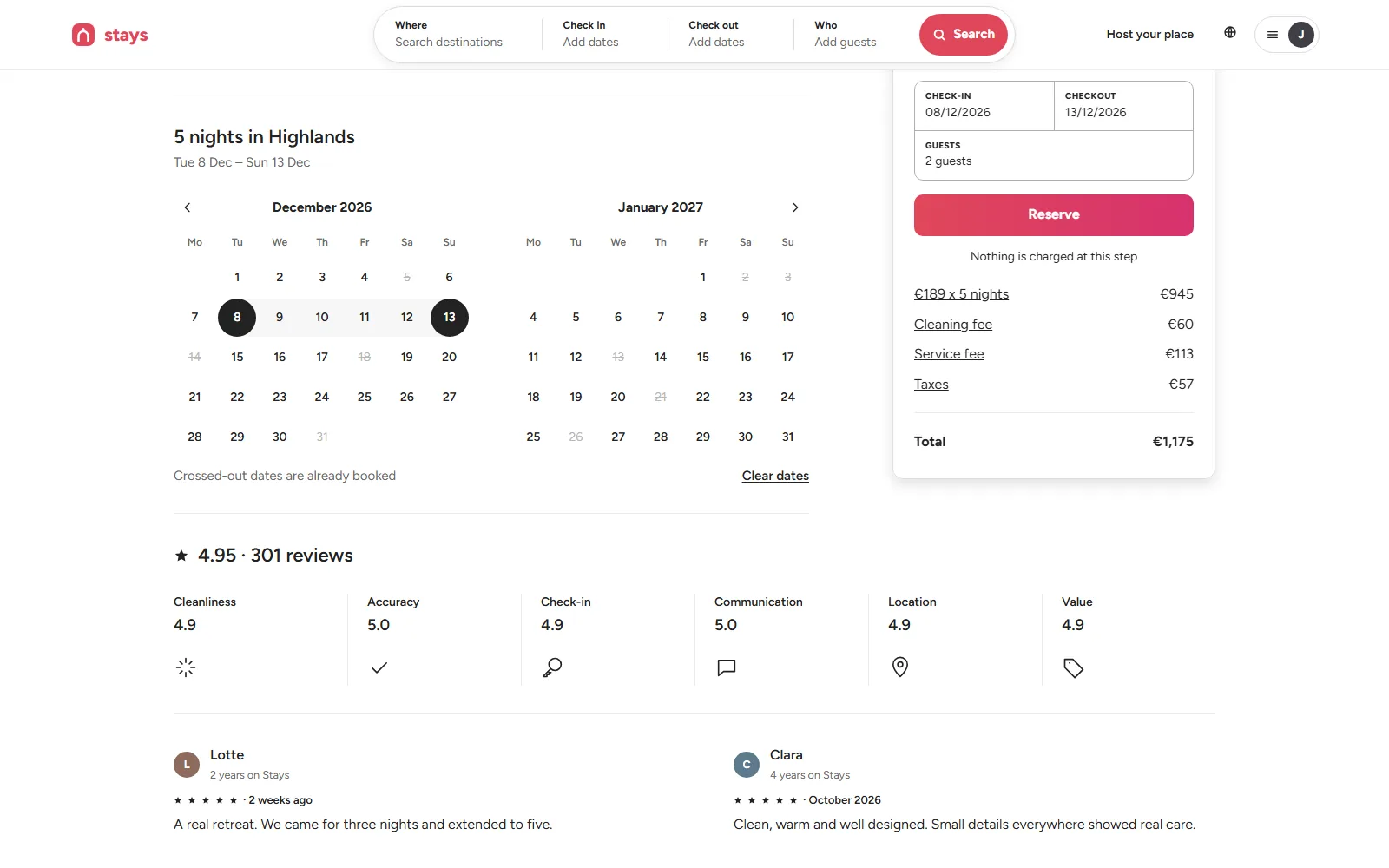
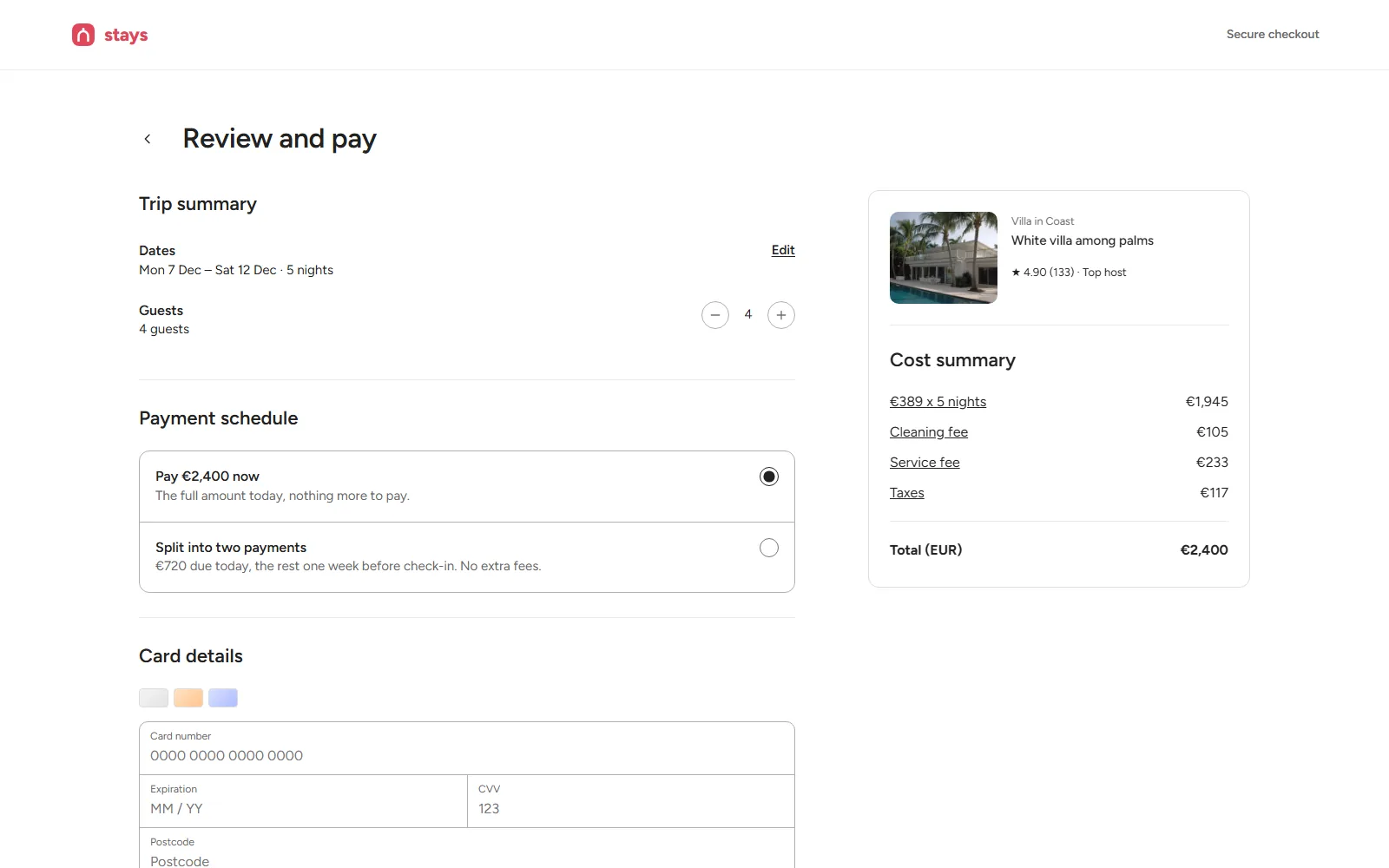
A full web application: search with filters and a map, listing pages with availability calendars and price breakdowns, checkout, and a dashboard for hosts.
Point at the page to scroll through it.
Open the site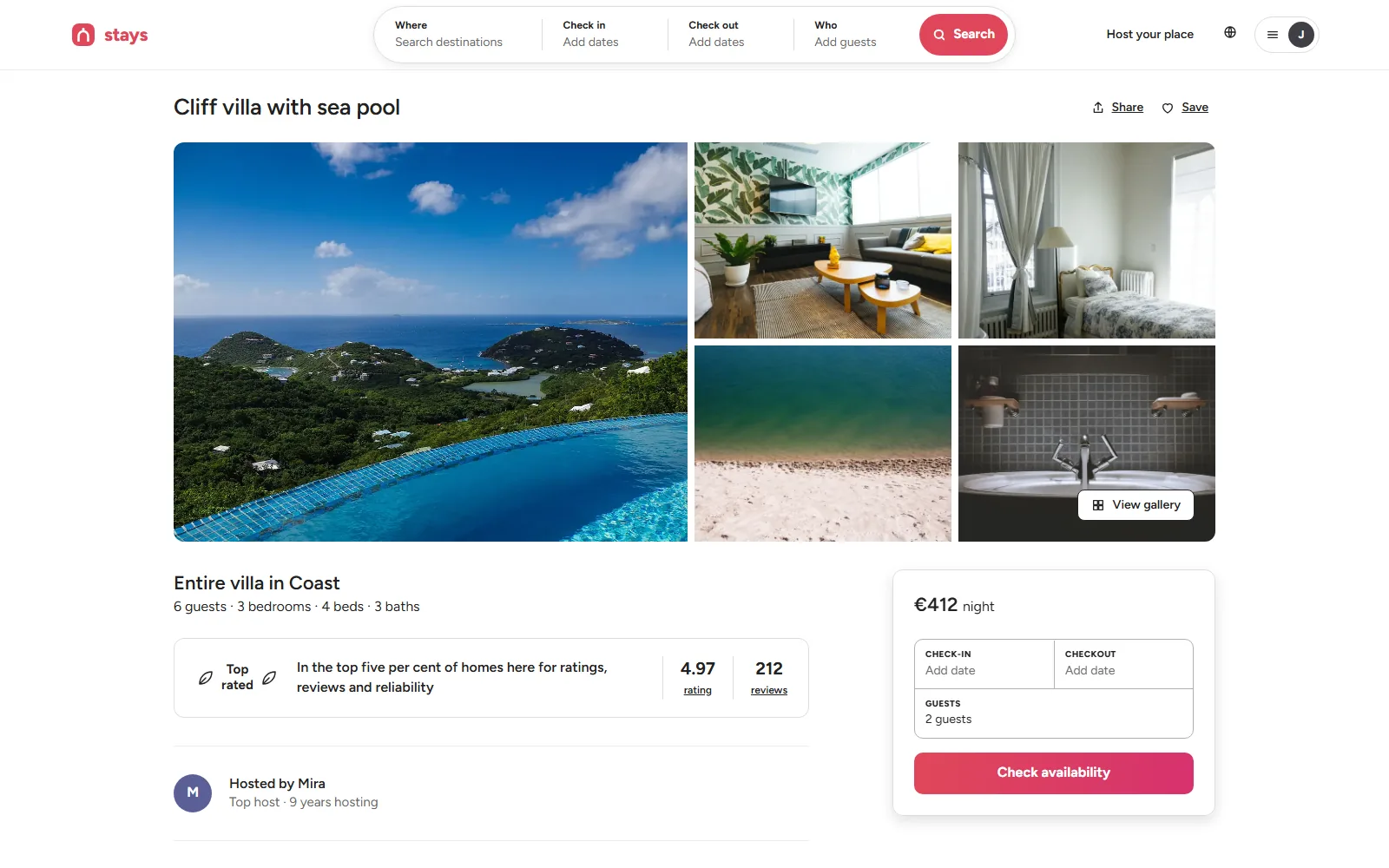
03
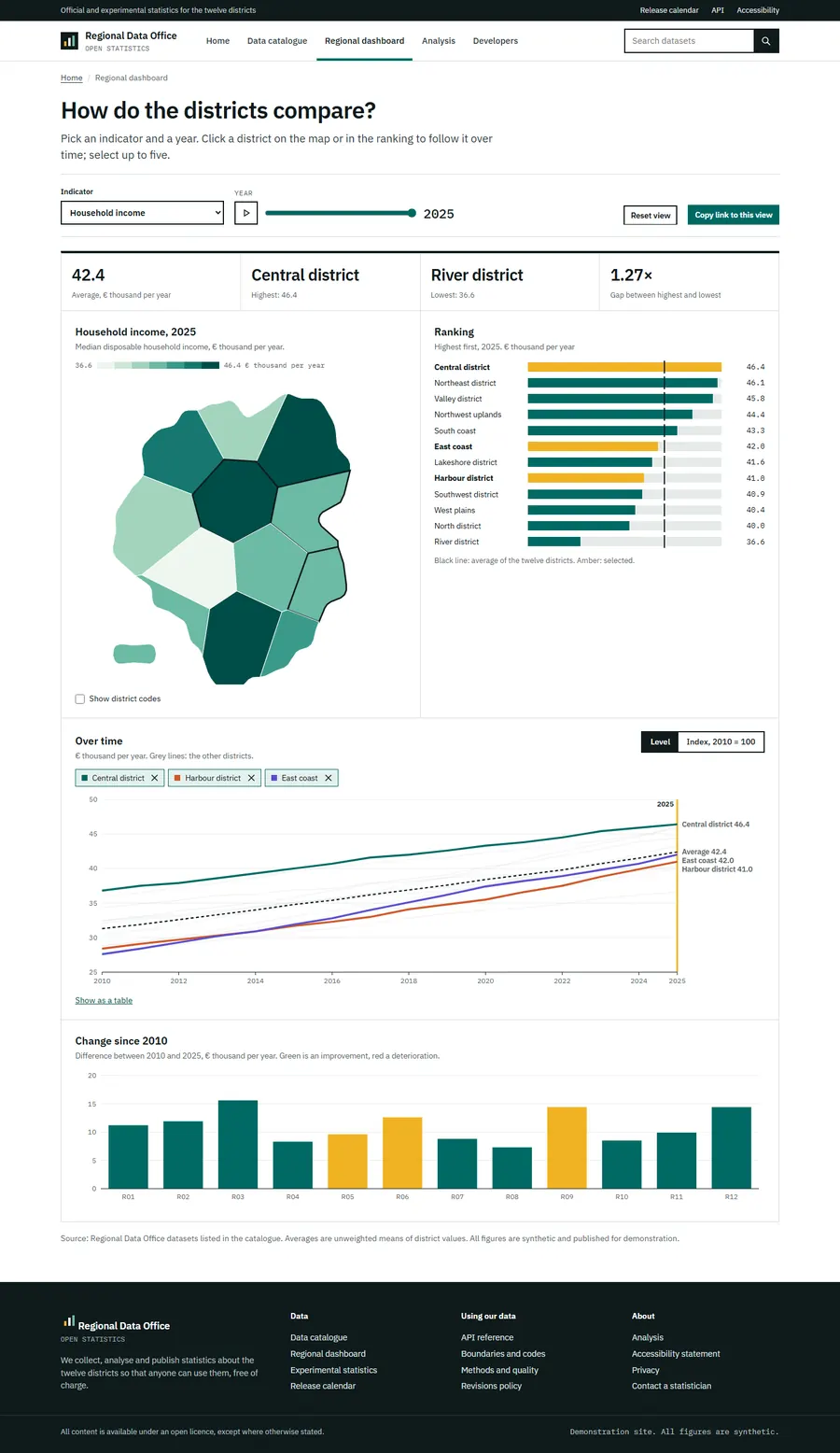
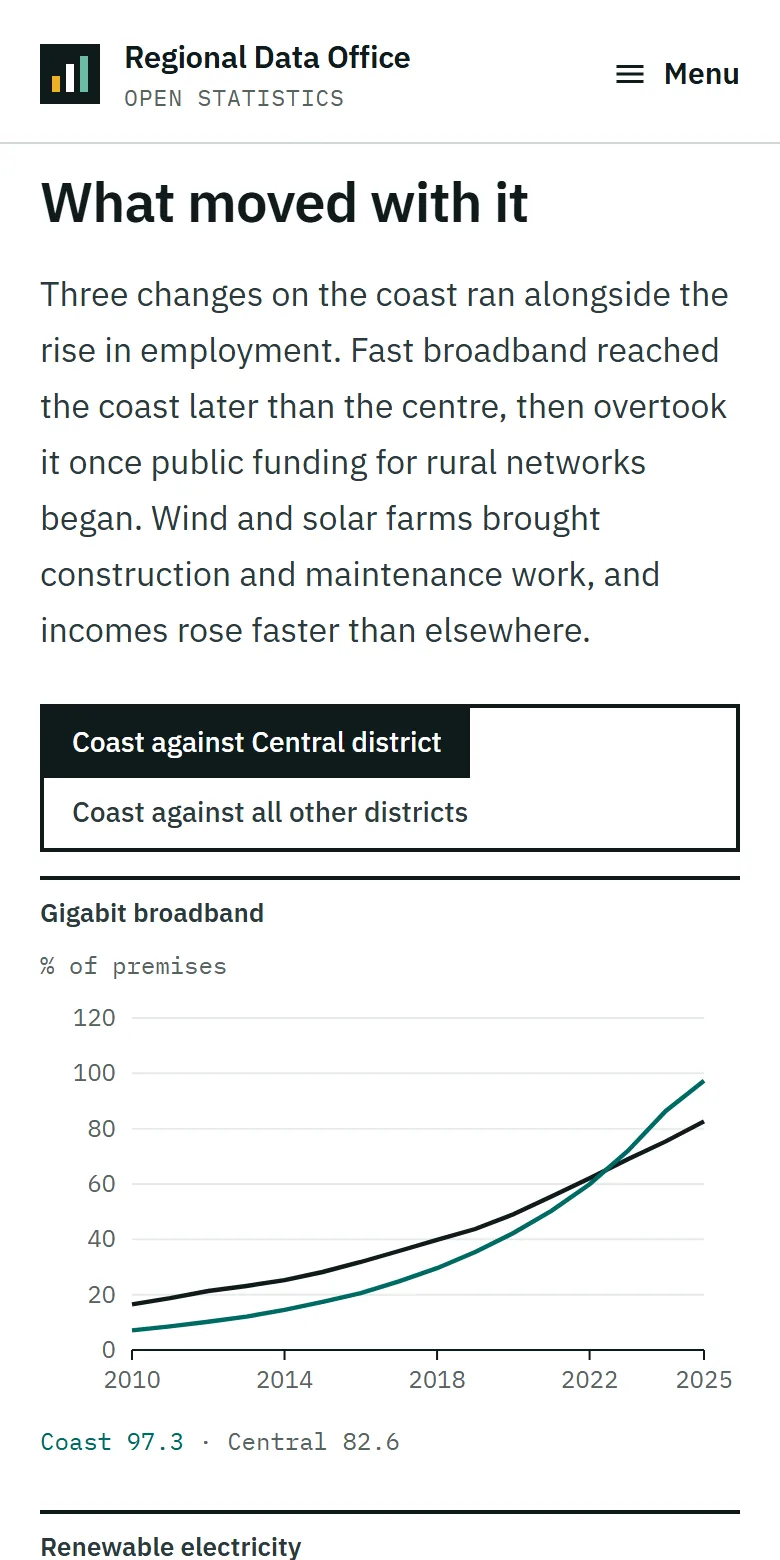
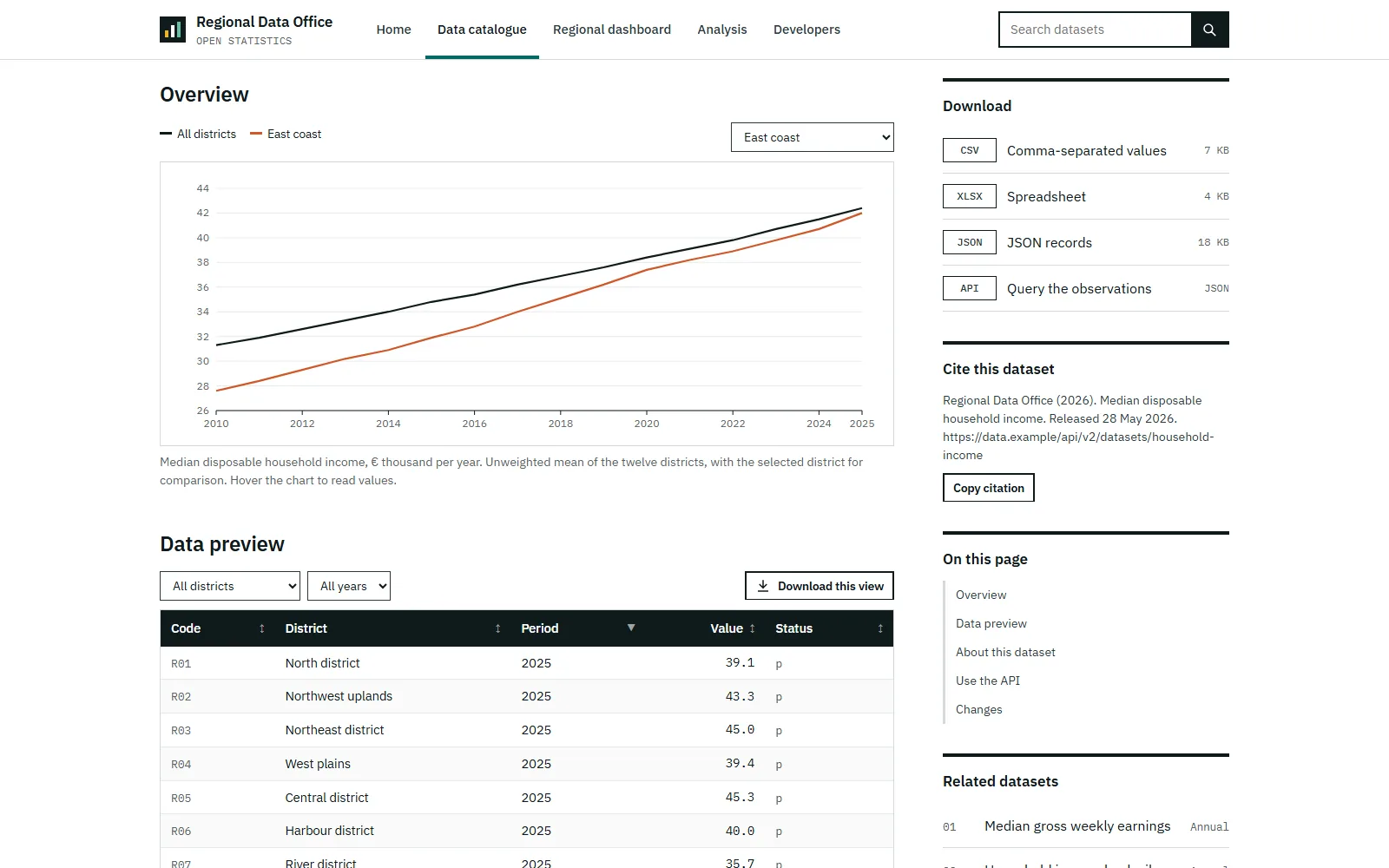
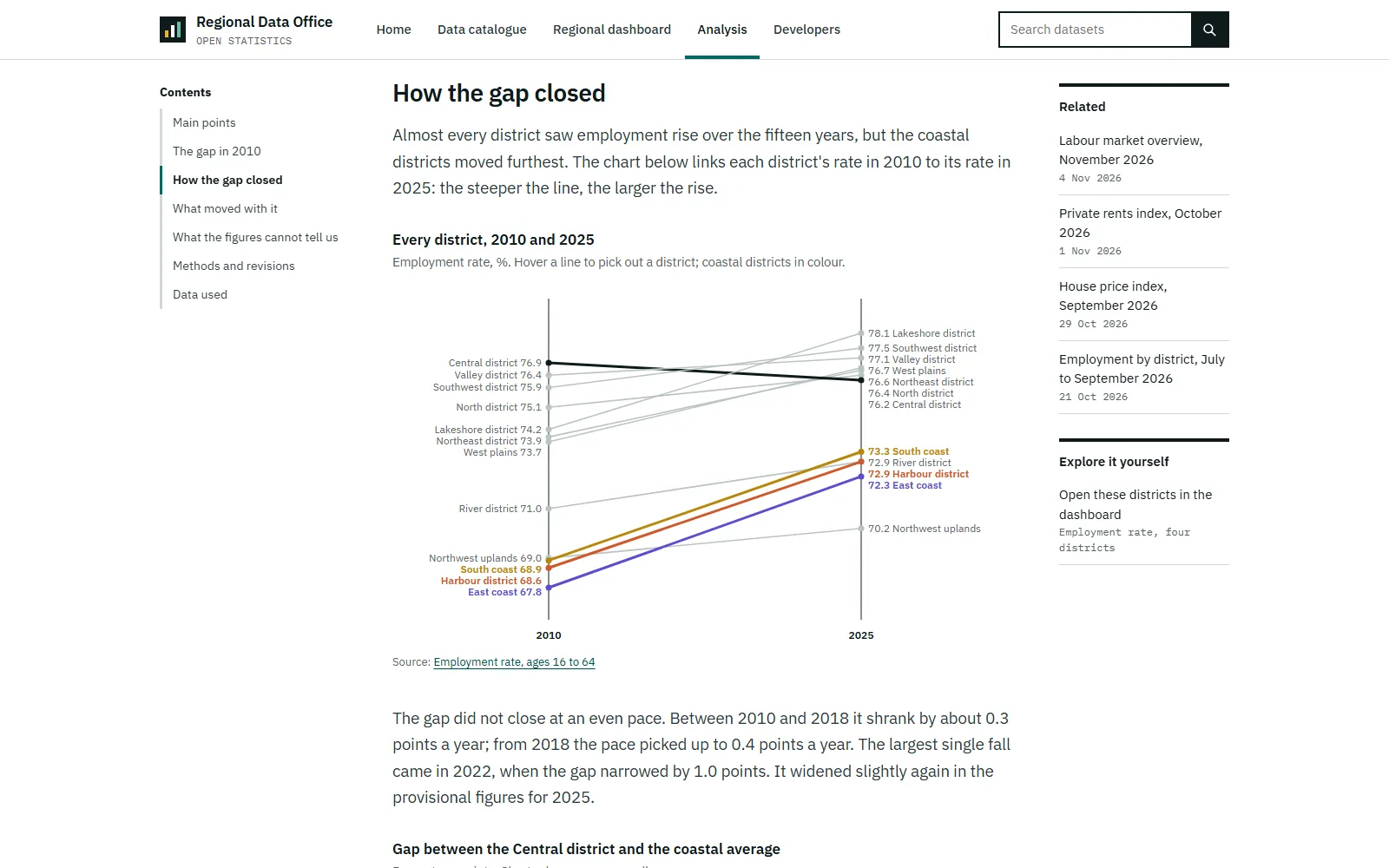
A statistics office's portal: a searchable catalogue, dataset pages with tables, downloads and an API, an interactive district dashboard and articles with live charts.
Point at the page to scroll through it.
Open the site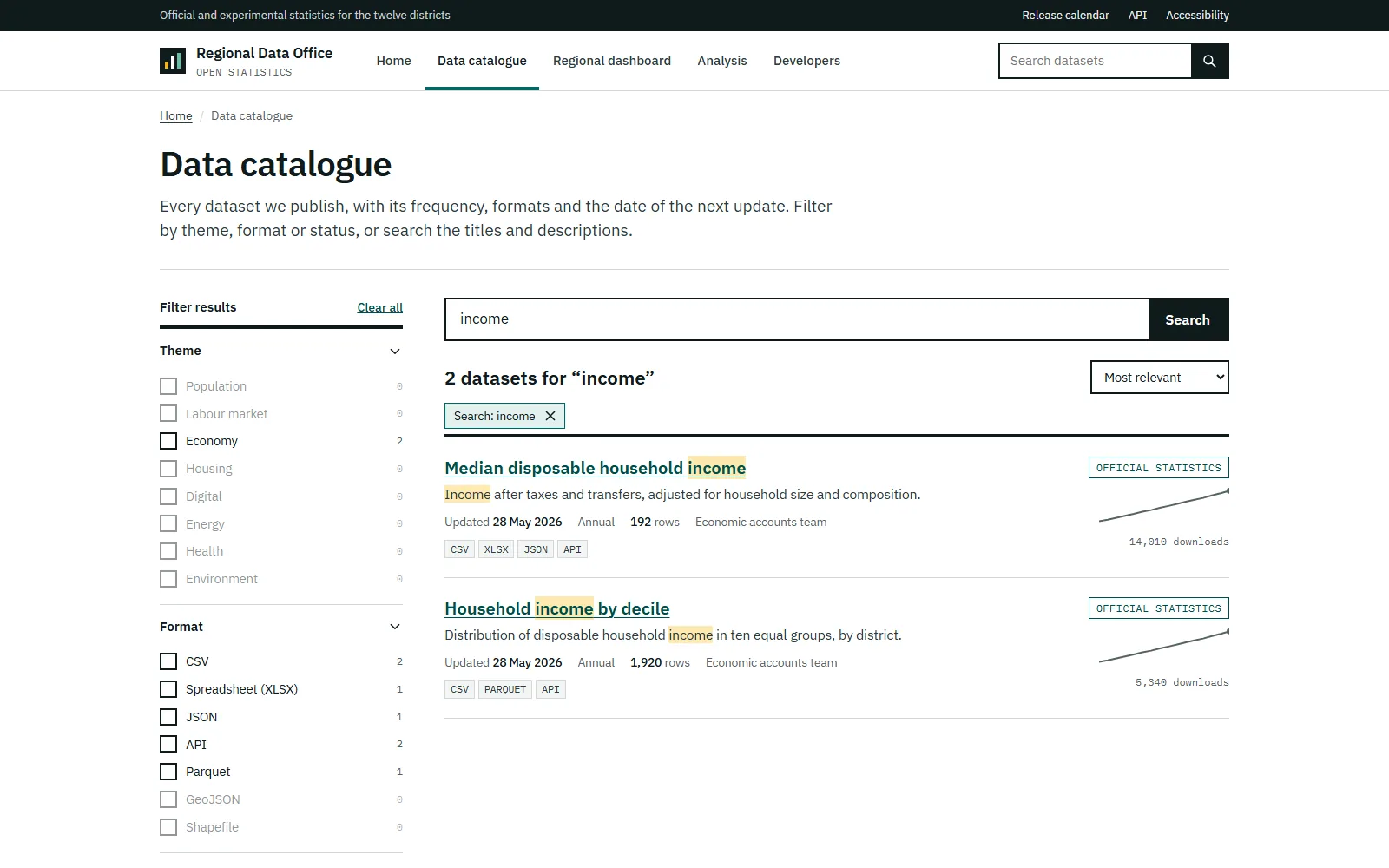
What a project of this kind typically hands over. The exact list is set in the written scope.
Set before design and checked on each change, so the site stays fast as it grows.
You receive the figures before launch, and what failed is fixed.
One page per question, plain titles, structured data and one address per language.
An editor that suits how often you publish, set up and explained.
Checked page by page before launch.
The whole site in a repository you own, with checks for broken links and slow pages.
Typical timings. Your scope sets the real ones.
Week 1
The questions your visitors ask, one page for each, and the texts and images that exist or are still to write.
Weeks 2 to 3
The main pages designed with your own words and pictures, on a desktop and on a phone.
Following weeks
Every page built and measured as it is made, languages and forms connected.
Before launch
Speed, accessibility, links and structured data checked on each page. What fails is fixed.
Launch
The site goes live, old addresses are redirected, and your team learns to edit it.
Have a project like this one? Tell us what you need in a few lines.
Send us the brief