

What it is
We gather client and supplier data scattered across files, databases and services, remove duplicates, fix formats, and set up a pipeline that keeps the result current every day.
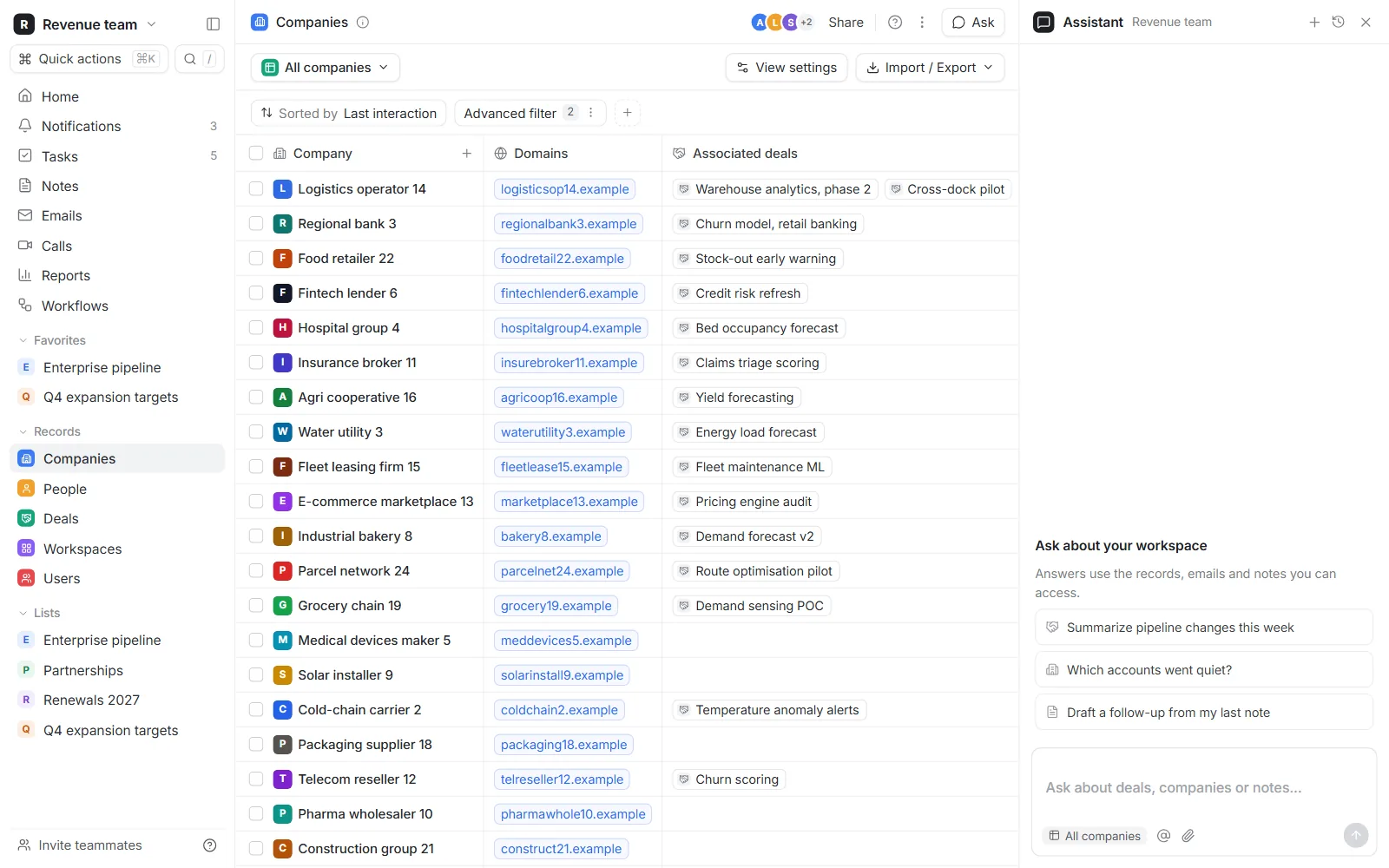
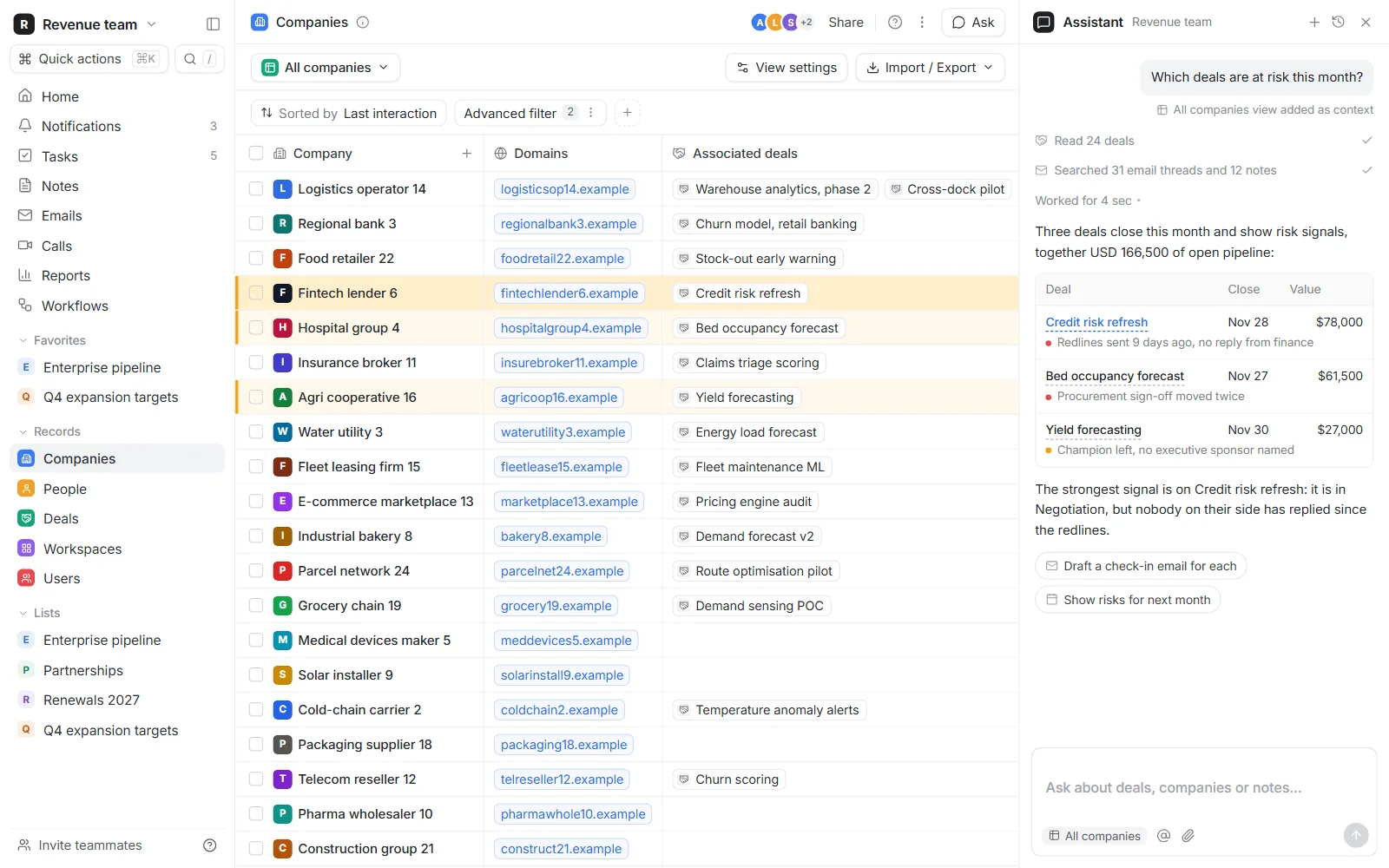
On top of clean data we configure or build the CRM your team works in, and the reports managers ask for. The screens below come from a CRM we built for our portfolio, filled with generated data.
Clean data and a CRM people use
The same client, five spellings
In most organisations one client exists several times: once in accounting, once in the CRM, twice in the sales team's files, with different spellings, an old address and two contact people who left years ago. Reports built on that data count the same client several times and miss others.
We match records with rules you can read: registration numbers first, then web domains, then normalised names and addresses. Every proposed merge is listed with the evidence for it. Certain matches are merged automatically, uncertain ones wait for a person, and every merge can be undone.
A pipeline that gives the same answer twice
Cleaning data once by hand fixes it for a week. We write the cleaning as a pipeline that reads each source on a schedule, checks it, and loads the result. Running it twice gives the same result. Rows that fail a check (a missing amount, a date in the future, an unknown code) are set aside and listed each morning instead of being dropped or loaded as they are.
A CRM built around your sales steps
A CRM is only as good as what the team enters. We define each stage of your sales process by an event someone can check, such as a meeting held or a quote sent, rather than by a feeling about the deal. Each stage asks only for the fields that matter at that point, so entering data takes seconds and the pipeline report means something.
We configure the CRM you already pay for when it fits. We build one when your process is unusual enough that the standard tools get in the way.
One definition per figure
Two managers asking for active clients should get the same number. We write one definition for each figure your reports use, in plain words, and compute it in one place. Reports, dashboards and exports all read from there.
Personal data in a CRM
A CRM holds personal data, so it must say why each person is in it, how long they stay, and how a deletion request is carried out across every copy. We set retention rules and a deletion procedure with you and build them into the pipeline.
Example build
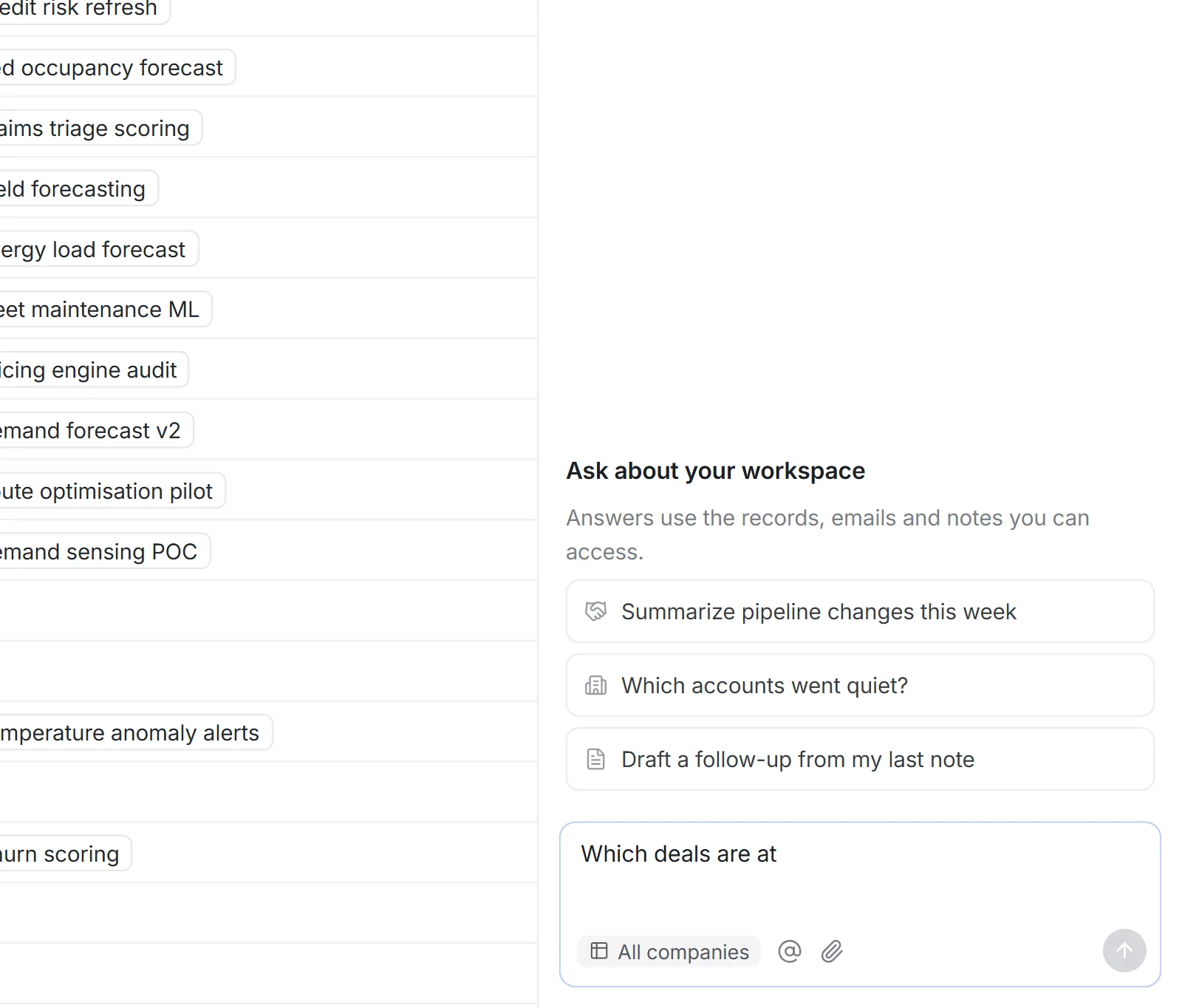
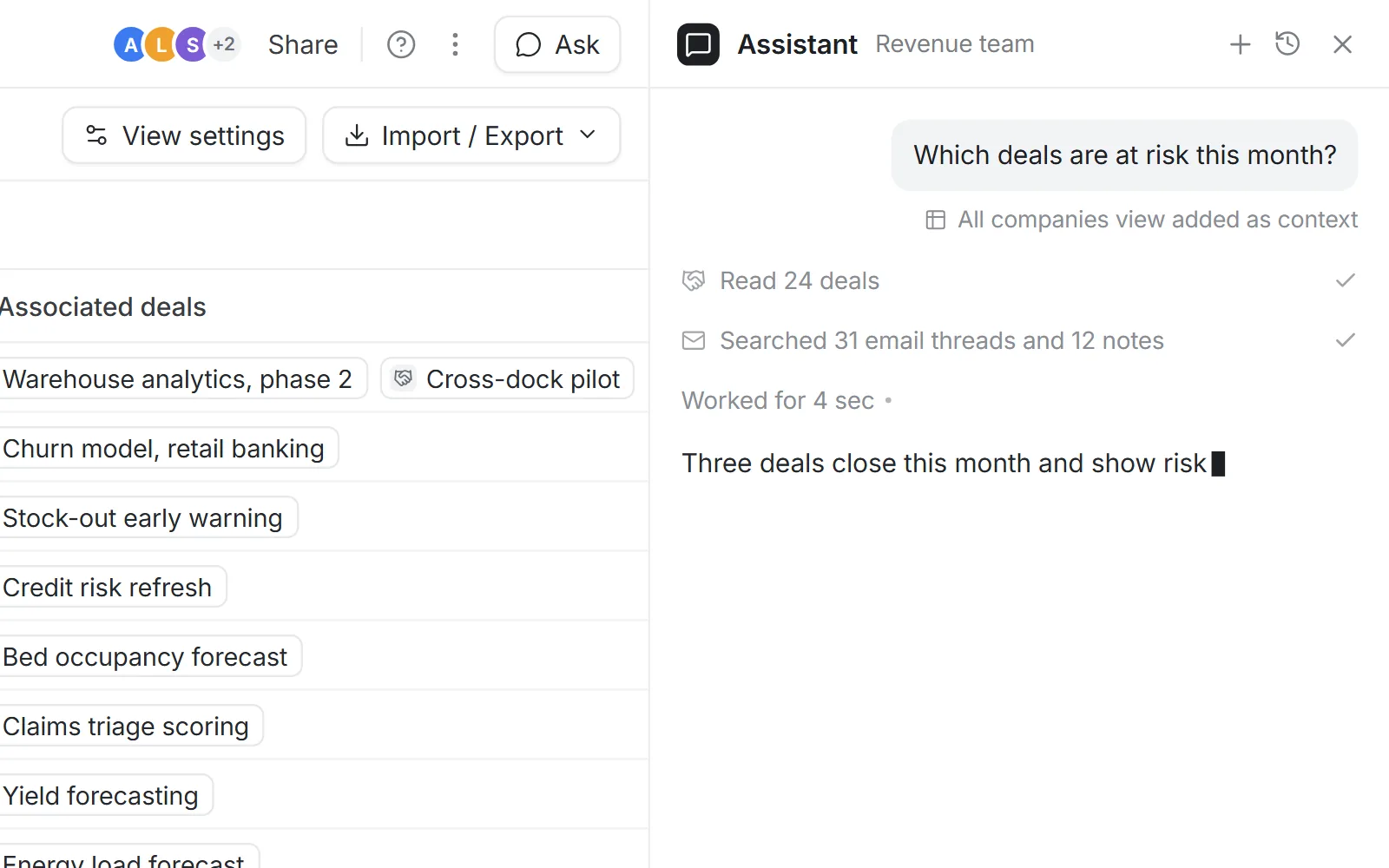
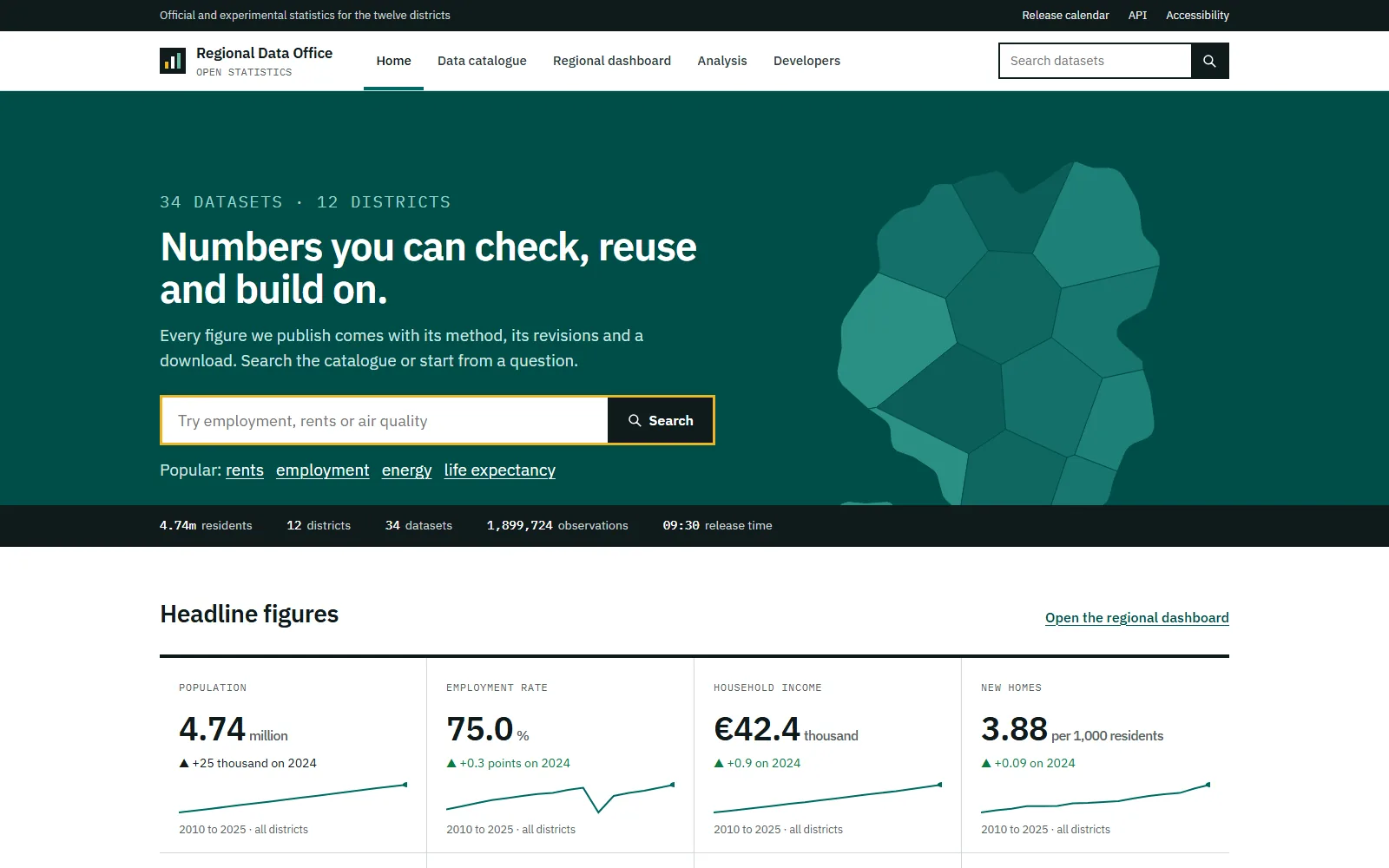
Demonstration builds made for our portfolio, running on generated data. No client data is shown.
What you receive
What a project of this kind typically hands over. The exact list is set in the written scope.
A pipeline that runs every day
Each source read on a schedule, cleaned the same way each time, loaded where your team works.
Duplicates removed, with evidence
Certain matches merged, uncertain ones reviewed by a person, all reversible.
Checks at the door
Odd values are flagged each morning, not discovered in a meeting.
One definition per figure
Every report reads the same definitions from one place.
Personal data handled
Retention rules and a deletion procedure built into the pipeline.
Code and written definitions
The pipeline code, its tests and the page that defines each figure.
How a project runs
Typical timings. Your scope sets the real ones.
Week 1
Map the sources
Every file, database and service that holds client data, who relies on it and how often it changes.
Weeks 2 to 3
Clean a first copy
A full copy cleaned, with the list of merges, fixes and what could not be resolved.
Following weeks
Pipeline and CRM
The cleaning runs on a schedule and the CRM is set up around your sales stages.
Switch over
One source of truth
Your team moves to the clean data, the old files are frozen, the first reports go out.
After launch
Watch the checks
We read the morning list of rejected rows for the first weeks and adjust the rules.
Have a project like this one? Tell us what you need in a few lines.
Send us the briefOther services
- Custom software and internal toolsSoftware built around the way your team already works, not the other way round.
- Platforms, dashboards and client portalsMulti-user platforms where your clients, partners or staff log in and get their own view.
- Websites and web appsFast websites and web apps that work on every screen and in several languages.
- Machine learning and AIScoring, classification and text models, used only where they beat a simpler tool.
- Forecasting and statistical studiesForecasts of demand, load, prices or volumes, and studies that answer a precise question.